
informational guide
How to Convert Files to Markdown: A Format-by-Format Guide
Choose the right file-to-Markdown converter, understand what Markdown can preserve, and review the result before reuse.

The best way to convert a file to Markdown is to choose a converter that understands the source format, preserve the source as evidence, and review the reconstructed structure before reuse. Markdown is excellent at representing headings, paragraphs, lists, links, code, images and simple tables. It is not a page-layout, spreadsheet, slide, or publication format.
Need to convert a file now? Open the File to Markdown tools.
What does converting a file to Markdown actually mean?
A file-to-Markdown conversion translates a richer source format into a portable plain-text document. The output should carry the source's meaning and hierarchy, not promise an identical visual result. A DOCX heading can become ##; a spreadsheet range can become a table; a PDF paragraph can become prose. A floating text box, a chart animation, a merged cell, or a page footer may need a different representation or an explicit source reference.
CommonMark specifies a core Markdown syntax, while GitHub Flavored Markdown adds widely used extensions such as tables and task lists. Before conversion, decide which Markdown dialect the destination supports. A document that renders correctly in one system can lose tables, footnotes, or HTML fallback in another.
Choose the converter from the source format
| Source file | What the converter must infer | Main review risk | Recommended tool |
|---|---|---|---|
| Reading order and text structure from positioned page content | Columns, scans, tables and repeated headers | PDF to Markdown | |
| DOCX | Semantic styles, lists, links and table structure | Custom styles, comments and page layout | Word to Markdown |
| HTML | The meaningful article content inside a DOM | Navigation, scripts, CSS-only meaning | HTML to Markdown |
| XLSX | A selected worksheet range and its headers | Formulas, merged cells and totals | Excel to Markdown |
| CSV | Delimiters, quoted values and a header policy | Incorrect splitting or pipe escaping | CSV to Markdown |
| PPTX | Slide hierarchy, text-box order and notes | Visual-only meaning and animations | PowerPoint to Markdown |
| EPUB | Reading order across packaged resources | Chapter order, links and embedded media | EPUB to Markdown |
| JSON or XML | Data hierarchy and repeated records | Flattened nesting, types and attributes | JSON to Markdown |
| TXT | Whether visible patterns are genuine structure | Over-eager list or heading inference | Text to Markdown |
Which source format gives the cleanest Markdown?
HTML and well-styled DOCX generally provide the strongest structural signals. HTML has semantic elements such as headings, paragraphs, lists and links. DOCX can hold real heading and list styles. A text-based PDF can still convert well, but the reader order and heading meaning have to be inferred from page-oriented content. Scanned PDFs are harder because the text must first be recognized from pixels.
That does not make a format universally good or bad. A clean one-column PDF may be easier than a poorly styled Word document. Inspect a representative sample rather than guessing from the extension alone.
What Markdown can preserve reliably
Start by validating the pieces that have a direct Markdown equivalent:
- document title and heading levels;
- paragraphs and intentional line breaks;
- ordered, unordered and nested lists;
- link text and destinations;
- inline code and fenced code blocks;
- blockquotes;
- simple rectangular tables;
- image references and alt text, when assets are available.
These are the structural building blocks readers and search engines use to understand a document. A conversion that preserves every word but makes every heading a normal paragraph is not a clean Markdown conversion.
What Markdown cannot reproduce exactly
Markdown does not carry the full behavior of a source format. It cannot faithfully reproduce page coordinates, typography, tracked changes, interactive controls, spreadsheet formulas, animation, or all table geometry. The practical options are to simplify the content, preserve an HTML block where the renderer permits it, include an image or attachment, or link back to the original source.
Use a source link when visual fidelity is evidence: legal agreements, signed forms, regulated tables, design specifications, slide diagrams and academic page citations should not rely solely on reconstructed Markdown.
A format-aware conversion workflow
1. Identify the source and destination
Confirm the actual file type and the Markdown renderer you are targeting. A .csv exported with semicolons, a DOCX with custom styles, or an EPUB with a fixed layout changes the plan. Also identify whether the destination is a Git repository, a static-site generator, a note-taking system, or an AI retrieval pipeline.
2. Prepare the source
Resolve Word tracked changes, select the relevant Excel worksheet, remove irrelevant HTML page chrome, or obtain an OCR-capable copy of a scan. Preparation reduces downstream cleanup and makes batch runs consistent.
3. Convert one representative sample
Do not start with a large archive. Choose the most difficult normal example: a PDF with columns, a DOCX with a table, an HTML article with code, or a workbook with formula totals. The sample reveals what must be configured or reviewed.
4. Validate high-risk content separately
Check tables, images, notes, links, equations and repeated page furniture as distinct tasks. These areas fail differently from ordinary paragraphs. For example, a PDF may get every word right but put the right-hand column in the middle of the left-hand column.
5. Publish only a reviewed result
Use the converted Markdown review checklist before importing results into a documentation site, knowledge base, or production RAG workflow. Store the source file and conversion date alongside the generated Markdown.
When should you use Markdown instead of the original file?
Use Markdown when you need editable, version-controlled text; portable documentation; readable diffs; a static-site source; or a reviewable input for text-based tooling. Keep the original when appearance, signatures, formulas, interactive content or exact page references matter. In many teams the right answer is both: Markdown as the working copy and the original as the authoritative artifact.
Frequently asked questions
Is file-to-Markdown conversion lossless?
Not across all formats. The conversion can preserve semantics that Markdown supports, but richer layout and behavior need simplification, fallback content, or a link to the source.
Should I convert a scanned PDF directly to Markdown?
Only after checking OCR quality. A scan has no usable text layer until text recognition produces one, and every heading, table and unusual word still needs review.
Can I batch-convert a folder of files?
Yes, after validating a representative sample for each format family. Consistent templates make batch processing safer; mixed sources need format-aware quality checks.
Which guide should you read next?
Use the format-specific guides for PDF extraction, Word documents, HTML cleanup, spreadsheets, CSV data, slide decks, EPUB books, and structured data.
References
Continue reading

How to Convert PDF to Markdown: OCR, Tables, and Reading Order
Convert PDFs to reviewable Markdown by checking text layers, OCR, reading order, tables, and page furniture.
Read article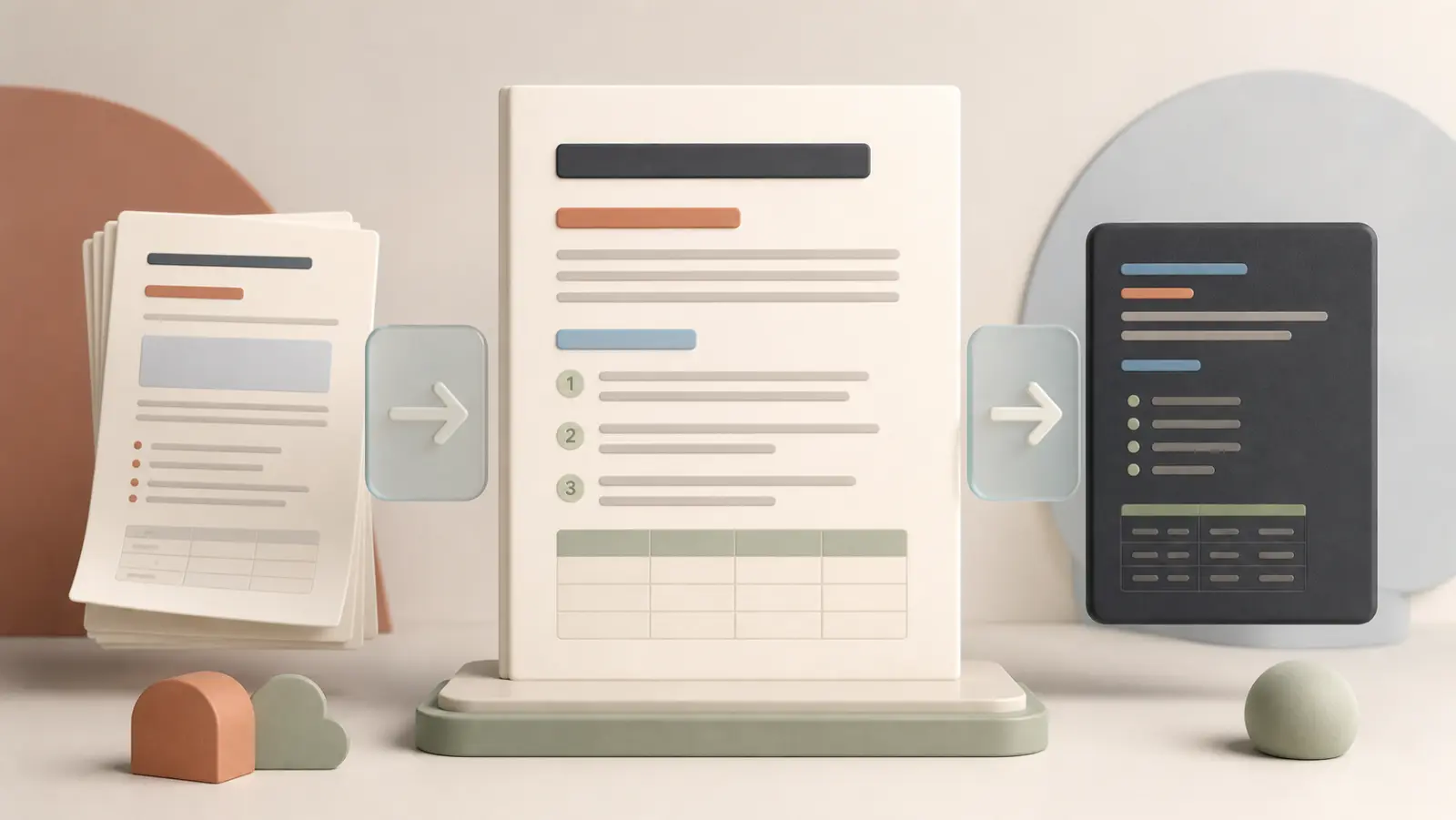
How to Convert Word Documents to Markdown Without Losing Structure
Prepare DOCX styles, map document semantics, and review tables, images, revisions and notes when converting Word to Markdown.
Read article
How to Convert HTML to Clean Markdown
Turn article HTML into clean Markdown by selecting meaningful content, mapping semantic tags, and safely handling unsupported widgets and layouts.
Read article
How to Convert Excel to Markdown Tables
Convert Excel worksheets to reviewable Markdown tables by selecting ranges, preserving header meaning, and checking formulas, merged cells and charts.
Read article
How to Review Converted Markdown Before Publishing
Use a source-aware checklist to verify structure, data, links, notes, assets and rendering before publishing converted Markdown.
Read article