
quality assurance guide
How to Review Converted Markdown Before Publishing
Use a source-aware checklist to verify structure, data, links, notes, assets and rendering before publishing converted Markdown.
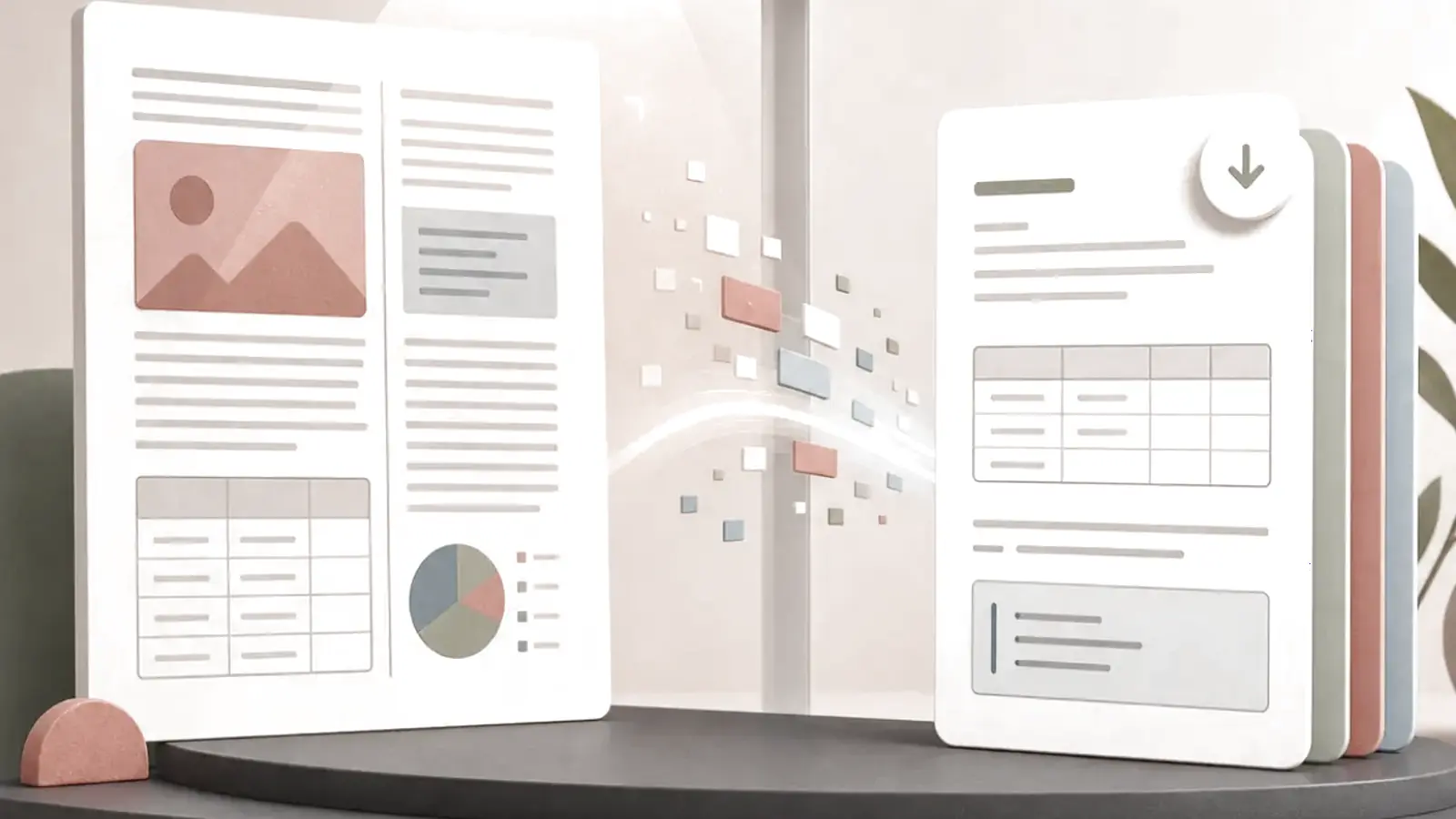
Review converted Markdown as a source comparison, not as a spellcheck. A converter can produce valid Markdown while putting a paragraph in the wrong section, shifting a table value, breaking a footnote or dropping the context of an image. The safest release rule is simple: verify structure, compare high-risk content with the original, render the final Markdown in its destination, and keep the source plus a record of material fixes.
Pick the appropriate source-specific converter in the File to Markdown tools, then use this checklist before publishing.
What should you check first after converting a file to Markdown?
Check the document's logical structure before copyediting. Confirm that there is one H1 title, headings follow a sensible sequence, paragraphs were not merged or split, and list nesting still expresses the original relationships. A correct heading structure makes content navigable; an incorrect one can make accurate words misleading.
Markdown parsers interpret structure according to concrete syntax rules. The CommonMark specification is the primary reference for core Markdown behavior, while destination systems can add extensions. Render the file where it will live rather than assuming every viewer handles tables, footnotes, HTML or task lists alike.
| Review area | What to compare | Typical failure | Release decision |
|---|---|---|---|
| Title and headings | Source hierarchy and section order | Bold body text became a heading | Repair levels before editing prose |
| Paragraphs and lists | Breaks, numbering and nesting | PDF wraps created one-line paragraphs | Rejoin or preserve based on source meaning |
| Tables | Header, every cell, totals and notes | Values shift one column right | Rebuild, simplify or retain source table |
| Links and references | Label, destination and anchor | Link text survives but target breaks | Correct or retain a source citation |
| Images and media | Asset path and essential content | Image reference exists but file is missing | Export asset, describe it or link to source |
| Character data | Names, symbols, punctuation and language | Bad decoding changes characters | Reconvert with correct encoding |
| Format-specific data | Reading order, styles, paths or metadata | Valid Markdown hides lost source semantics | Use a source-aware repair or fallback |
Why rendering is not enough
A rendered page can look polished while being wrong. Tables may align despite shifted values, and a link can show the correct words but point to a stale URL. Pair visual inspection with targeted source comparison.
For short notes, compare every line. For a long repetitive export, compare each template's beginning, middle and end plus every high-risk section. Never sample away tables, formulas, legal clauses, citations, IDs, quantities, names or decision-making instructions.
Which content needs line-by-line verification?
Treat the following as high risk because a small conversion error can materially change meaning:
- tables, totals, dates, currencies, percentages and formulas;
- hyperlinks, citations, footnotes, endnotes and cross-references;
- code, commands, configuration values, JSON keys and XML attributes;
- quoted, legal, medical, policy or contractual text;
- images, charts, diagrams and captions that carry an argument;
- names, identifiers, language tags and non-ASCII characters.
If a visual or numerical detail must be exact, link to the original or retain it as an accompanying asset. Markdown may be the convenient reading layer, but it should not erase the evidence chain.
A source-aware review workflow
1. Classify the original file
Note the source format, its complexity and its intended destination. A DOCX with real styles has different risks from a scanned PDF, a JSON API response or an EPUB textbook. Decide what the conversion must preserve for the reader to act correctly.
2. Review structure before wording
Scan the heading outline, chapter order, paragraph flow, lists, quotations and code fences. Repair reading order or a broken hierarchy before fixing minor punctuation; otherwise you may polish content that belongs elsewhere.
3. Compare high-risk regions against the source
Use side-by-side review for tables, notes, links, captions and code. Check the first, middle and final items in repetitive records, then check every exception. For a numeric table, verify headers and totals before assuming rows are safe.
4. Validate rendered Markdown in the target system
Preview the exact dialect and renderer you will publish to. Check whether tables, footnotes, raw HTML, math, task lists and anchor links behave as expected. A feature supported by GitHub Flavored Markdown may not exist in another documentation platform.
5. Record material edits and preserve the source
Keep the source file, converted file, conversion date and any rule used to remove boilerplate or restructure content. Make substantive Markdown repairs in version control. This creates an audit trail and prevents a later reconversion from silently overwriting verified edits.
Format-specific checks that catch real problems
PDFs
Check selectable text versus OCR, reading order across columns, recurring headers and footers, tables, page captions and footnotes. Use the PDF to Markdown guide when fixed page layout is the main risk.
Word documents
Check one title, real heading styles, nested lists, tables, images, comments and tracked changes. If Word content was formatted visually rather than with styles, headings can arrive as ordinary paragraphs. The Word to Markdown guide provides the preparation steps.
EPUB publications
Check spine order, navigation links, chapter boundaries, notes and assets. Fixed-layout EPUBs need a visual comparison because placement can be part of meaning. The EPUB to Markdown guide covers that workflow.
JSON and XML
Check types, missing keys, nested paths, attributes, namespaces, record order and the choice of table versus section. Markdown should explain the data without claiming it can replace the structured source. See the JSON guide and XML guide.
Plain text and HTML
For plain text, check hard line wraps, inferred headings, list markers, character encoding and code indentation. For HTML, check that navigation, cookie banners and other page chrome did not leak into the article. The Text to Markdown guide and HTML to Markdown guide address those distinct issues.
Troubleshooting common review failures
The output is readable but does not match the source
Treat readability and fidelity as different tests. Find the first structural difference, identify the conversion rule that caused it, then repair the Markdown or choose a more honest fallback such as a linked source asset.
A table does not fit in Markdown
Do not force a complex grid into pipes. Split it into smaller tables, rewrite it as labelled sections, use supported HTML only when appropriate, or retain an image and description. The reviewer should be able to recover the intended row-column relationships.
Links work in preview but fail after publishing
The destination may use different relative paths or anchors. Test the deployed path, including fragment links and linked assets, instead of relying only on a local viewer.
Accessibility information disappeared
Check headings, descriptive link text, image alternatives and table headers. The W3C Web Content Accessibility Guidelines 2.2 provides the authoritative accessibility baseline; a conversion should not remove essential text alternatives or relationships.
Release checklist for converted Markdown
- One clear H1 and a logical heading sequence are present.
- Paragraphs, quotations and nested lists preserve the source meaning.
- Every table's headers, values, totals and notes have been compared.
- Links, citations, footnotes and anchors resolve to the intended target.
- Code, identifiers, values and non-ASCII characters match the source.
- Images and diagrams have a working asset, useful description or explicit source reference.
- The file has been rendered in its actual publishing environment.
- The original source and a record of material fixes remain available.
Frequently asked questions
Is valid Markdown automatically ready to publish?
No. Valid syntax proves that a parser can read the file, not that its content, order, data and links are faithful to the source.
How much of a large converted document should I check?
Check every high-risk item and sample every repeated pattern across the document. Expand to full comparison when the source is scanned, irregular, legal, numerical or otherwise sensitive.
Should I keep the original after conversion?
Yes. Keep the source as the evidence and recovery path, especially where visual layout, data types, citations or assets matter.
Which converter should I use first?
Choose by source format, then apply this same review discipline. Return to the File to Markdown guide to select a format-specific workflow.
References
Continue reading

How to Convert Files to Markdown: A Format-by-Format Guide
Choose the right file-to-Markdown converter, understand what Markdown can preserve, and review the result before reuse.
Read article
How to Convert PDF to Markdown: OCR, Tables, and Reading Order
Convert PDFs to reviewable Markdown by checking text layers, OCR, reading order, tables, and page furniture.
Read article
How to Convert Word Documents to Markdown Without Losing Structure
Prepare DOCX styles, map document semantics, and review tables, images, revisions and notes when converting Word to Markdown.
Read article
How to Convert JSON to Readable Markdown Documentation
Choose tables, field references, lists or code samples when converting JSON to Markdown without hiding hierarchy, types or missing values.
Read article